How it works
Track in one sentence – and what happens then
Lumilnar is built so that capturing costs no more time than a thought. Whether you speak, type, photograph or tell Claude what happened: the app matches, computes, asks only when needed and shows you what it understood before saving.
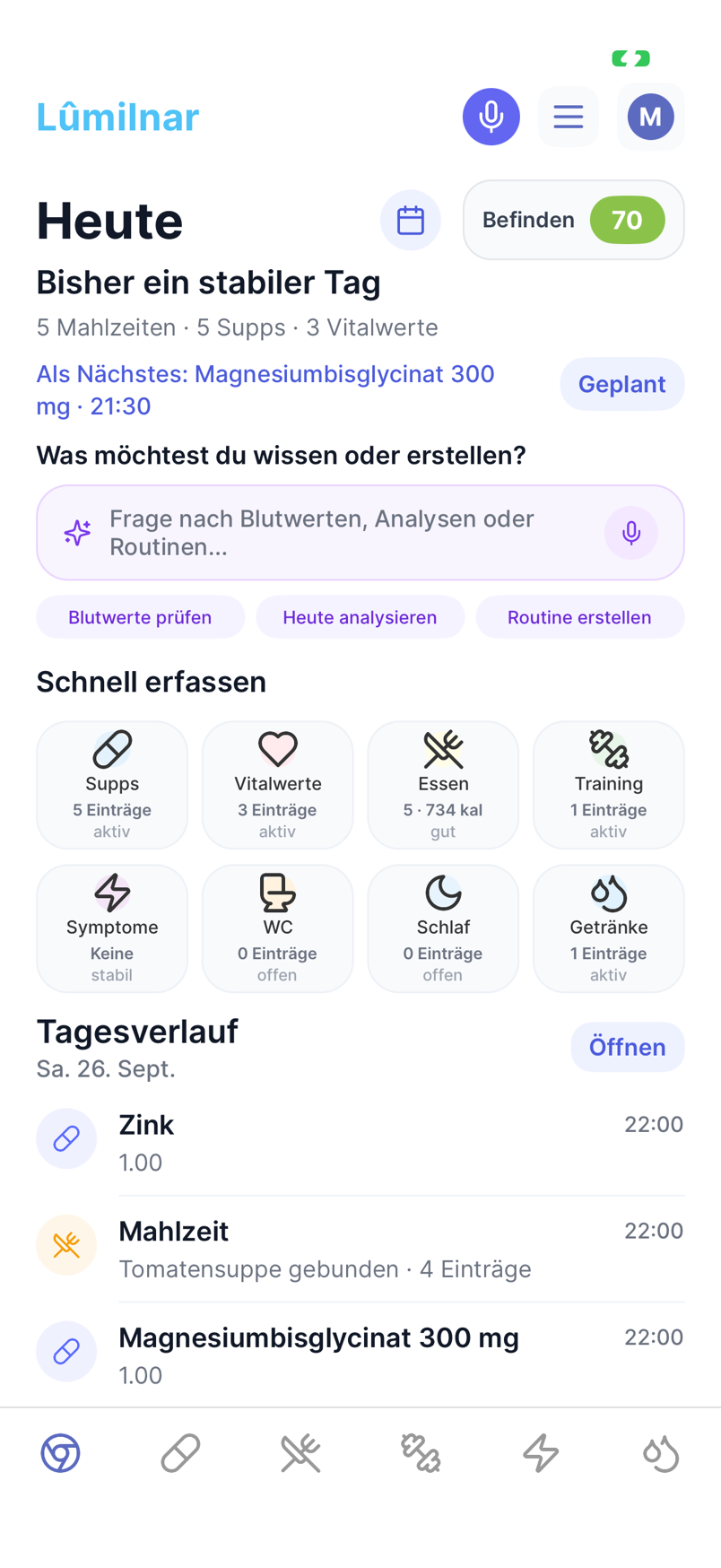
From input to entry
- 1
Input
Speak (“just took magnesium and had oats with berries”), type the same sentence, photograph a plate or label, scan the barcode – or tell Claude in the chat.
- 2
Understand and match
The AI splits the sentence into entries: supplement, meal, symptom, vital, drink, workout. Every entry is matched to your products and foods, amounts and times recognised.
- 3
Check and confirm
Before saving you see every proposal with alternatives. One tap changes product or amount; anything wrong you untick. Implausible values are flagged.
- 4
What is missing gets created
A food the database does not know is created by the AI scan – for branded products with the label found online. The result comes back into the same sheet.
- 5
Day timeline and statistics
Everything lands in the day timeline and the statistics. Analyses, the coach and Claude work with the real numbers from now on.

Voice
Tap the mic, speak, tap again. The recording is transcribed and processed like text. Works on the home screen, in every area and for all data types at once: “headache severity 3, drank 2 litres, 45 minutes yoga” becomes three entries.
Text
The same sentence typed. Amounts in grams, millilitres, portions, capsules or pieces; times like “last night”, “at 1 pm”, “before training”. Your own products and meals take precedence; with ambiguity the app asks.
Photo
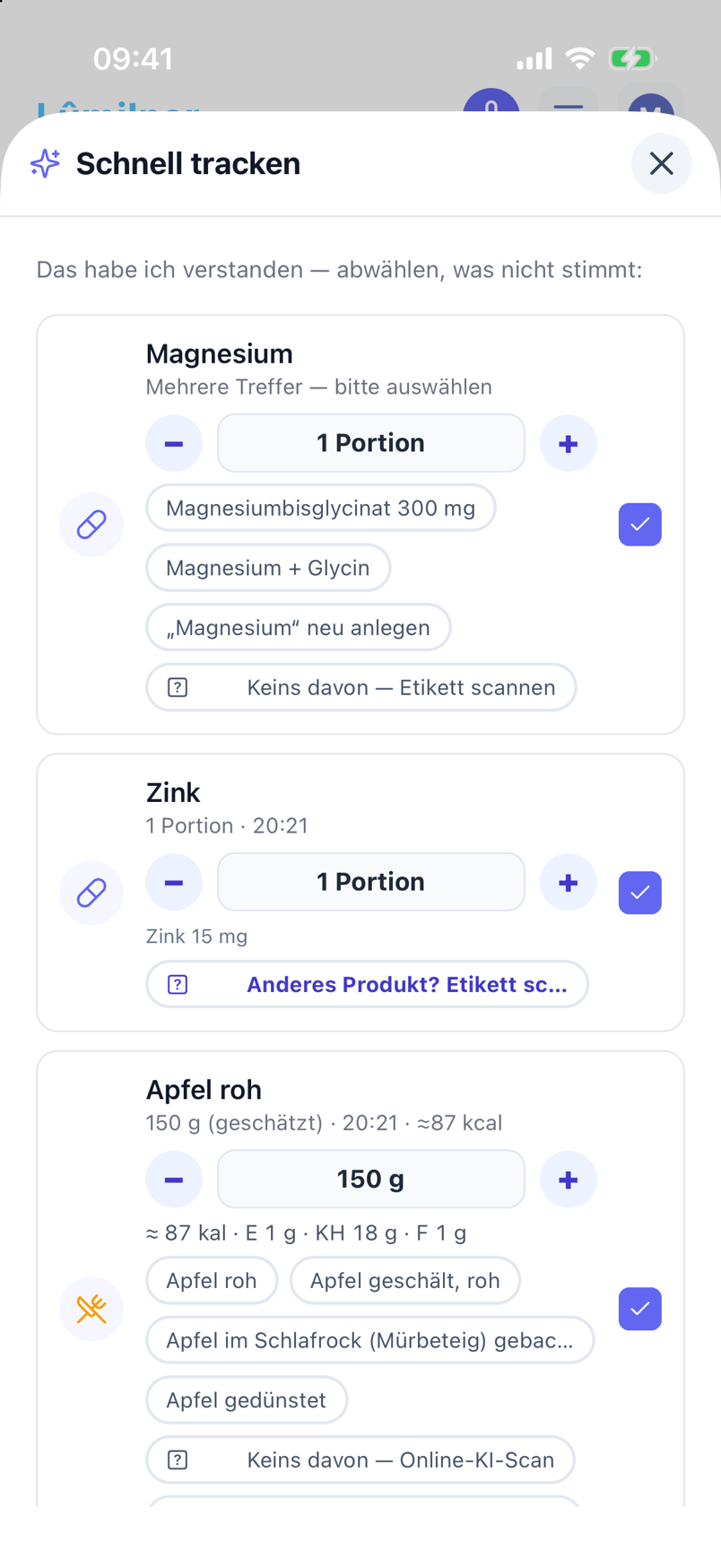
Plate, package, label, supplement bottle or lab report. The AI recognises what it is and starts the matching scan: dish with ingredients, nutrition table, supplement facts or bloodwork. Scans run in the background; you get a notification.
Barcode
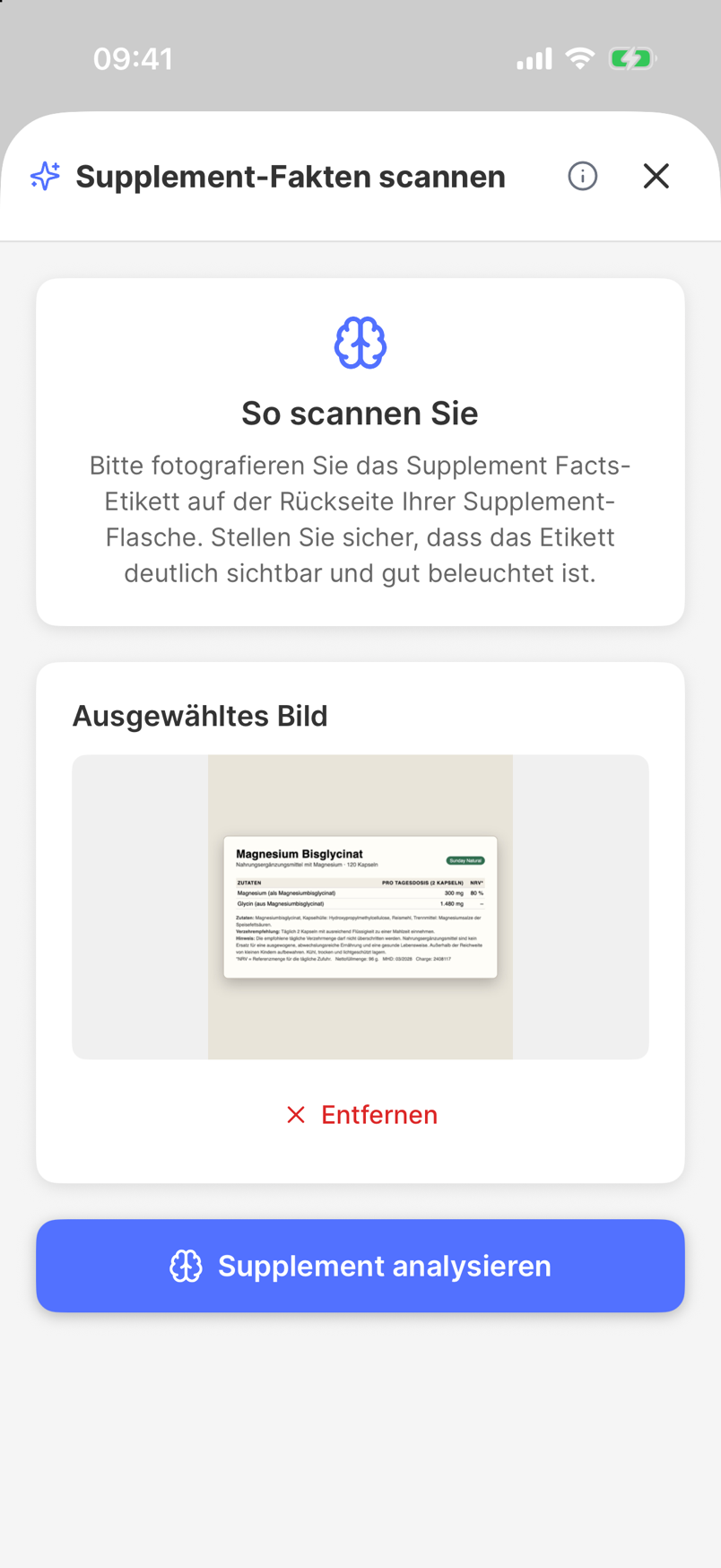
The barcode delivers the package data as a reliable basis; ingredient list and nutrition table are then processed like a label scan and matched against the database.
Claude & ChatGPT
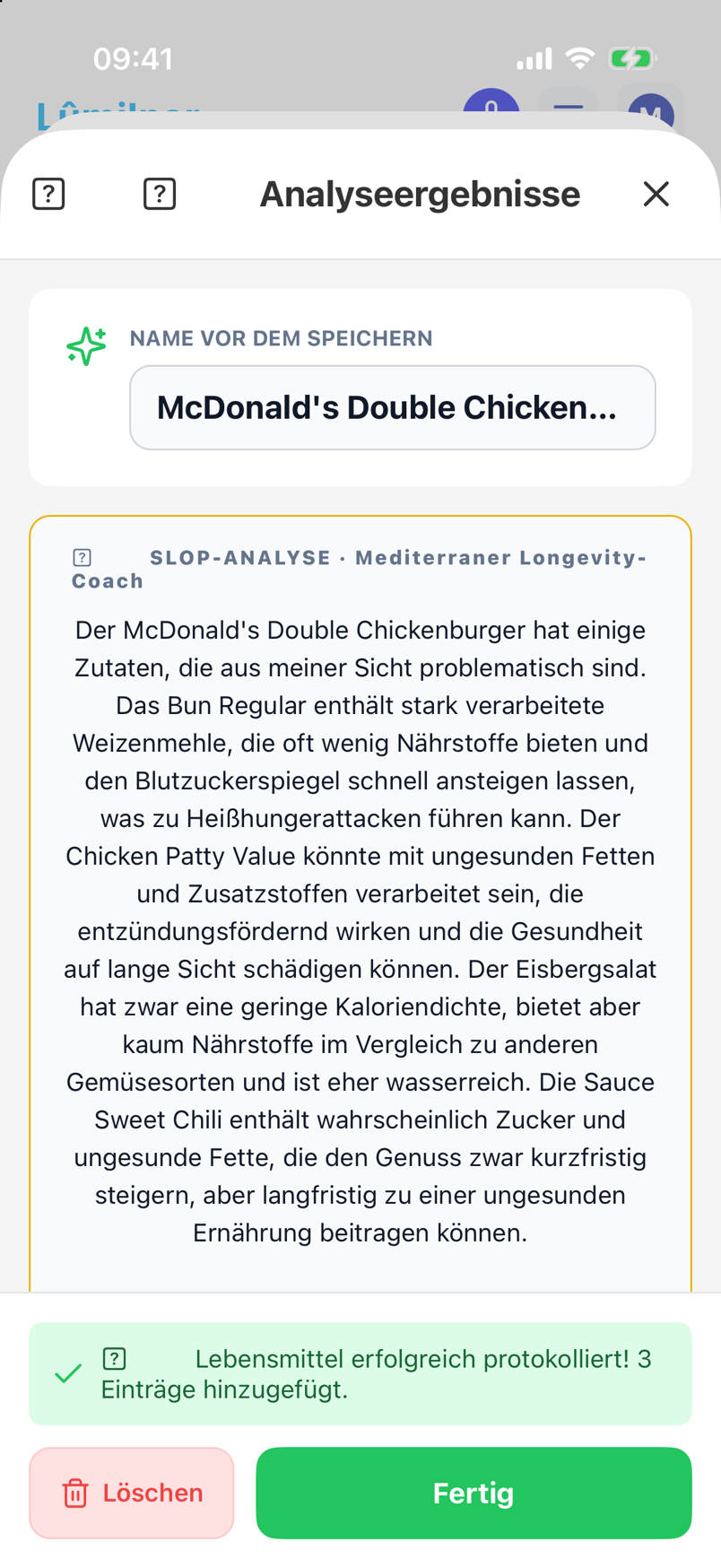
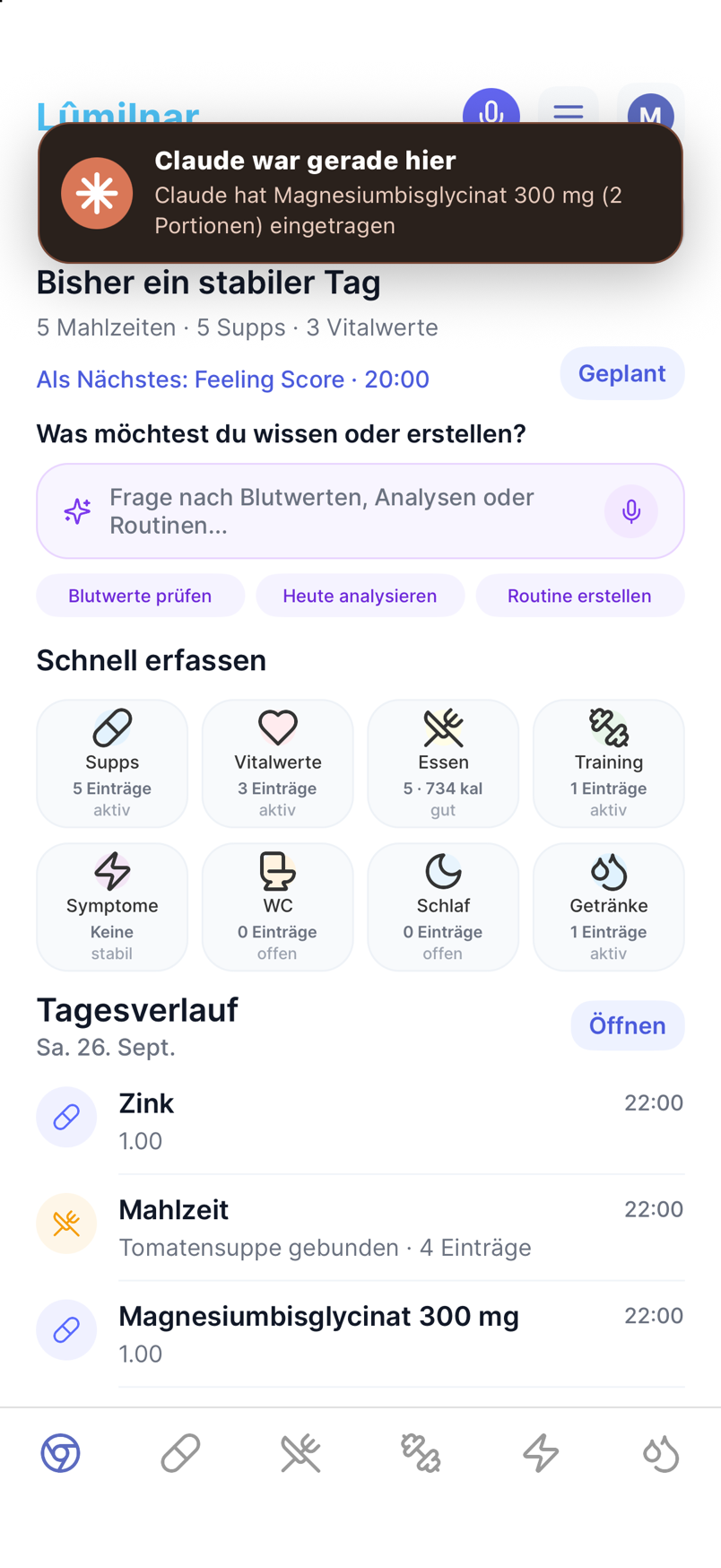
Tell Claude what happened – on the laptop, on the train, wherever. The connector creates the entries in the app, named products are looked up online and created completely, and a popup on your phone shows what happened.
Frequently asked questions
What happens with a recognition error?
You see every proposal before saving and can change product, amount and time or untick the entry. Nothing is logged without your confirmation – except entries Claude creates at your request; those you can correct in the app immediately too.
How long does a scan take?
Text recognition a few seconds, photo scans usually under a minute, lab reports a little longer depending on page count. Everything runs in the background.
Can I log retroactively?
Yes. “Yesterday”, “the day before” or a date in the sentence is enough; in the day timeline every entry can be moved afterwards.
Lumilnar is on the App Store – free during the open beta.
Get it on the App Store