Symptoms
Understand symptoms instead of just noting them
Headaches in the afternoon, bloating after meals, tiredness despite eight hours of sleep: Lumilnar captures complaints in one sentence, records severity and time and puts them next to everything else you track. The analysis looks for the patterns you miss in daily life.
- Capture by voice or text with severity, time and note
- History per symptom: frequency, severity, time of day
- Trigger matrix across foods, supplements, sleep and training
- AI analysis with your bloodwork as context
- Illness timeline with photo observations
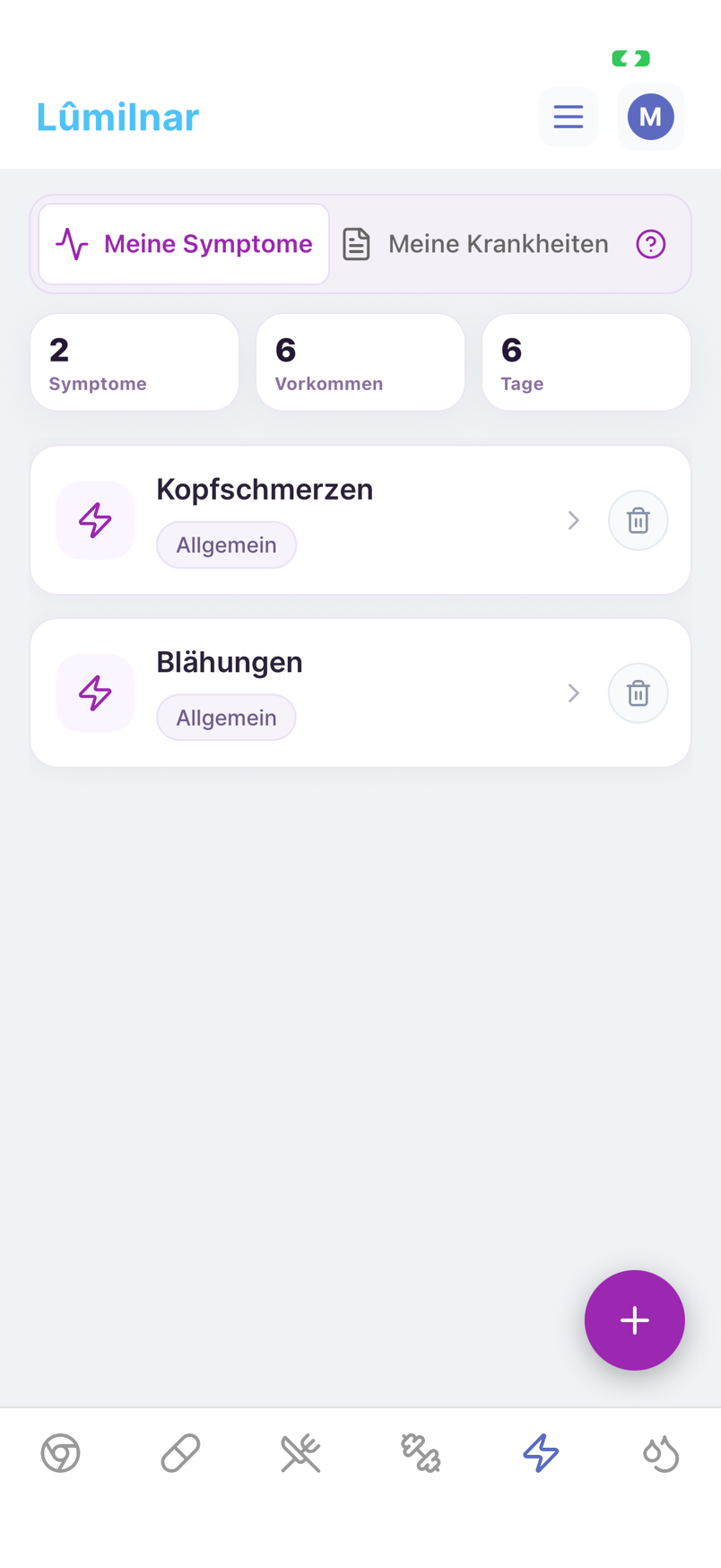
How to work with symptoms
- 1
Capture a symptom
Say “bloating since lunch, severity 4” or type it. Lumilnar creates the symptom, stores severity and time and assigns a category.
- 2
Look at the history
Every symptom has a history: how often, how severe, at what time of day, since when. Recurring complaints become visible as patterns.
- 3
Start the analysis
The AI analysis looks at all occurrences of a symptom together with your meals, supplements, sleep, training and lab values of the days before – and names the most likely connections.
- 4
Check the triggers
The trigger matrix shows per food or supplement how often it appeared before the symptom, compared with symptom-free days. A suspicion becomes a number.
- 5
Ask follow-ups
Every analysis has a chat: ask what a finding means, what to try next or how it relates to your bloodwork.

Capture in one sentence
You track symptoms like everything else: speak or type, severity 1–10 optional, time automatic. “Mild headache last night” lands on the right day. New symptoms are created, known ones recognised, so “headache” and “head pain” do not become two entries.
The analysis knows your data
A generic chatbot can only guess. The symptom analysis in Lumilnar receives all occurrences of the symptom, the meals and supplements of the hours before, sleep duration, training, cycle and vital data plus your lab values – and answers with concrete connections, time patterns and suggestions for what to observe next. With several simultaneous symptoms it checks whether a common picture could be behind them and names it.
The analysis runs on the server in the background; the result arrives with a notification and stays saved.

Trigger matrix: suspicion becomes measurable
For every symptom Lumilnar computes which foods, supplements and habits occurred more often than average in the hours before – across all episodes, not just the last one. That is how you learn whether the bloating really relates to the yoghurt or rather to the day after a short night.

Illness timeline and photo observations
For a cold, a rash or an upset stomach you keep an illness timeline: symptoms, medication, photos from day to day. The analysis turns it into an assessment and recommendations and updates them when new observations come in. Photos are stored encrypted.

Frequently asked questions
Does the symptom analysis replace a doctor’s visit?
No. It sorts your own data and shows connections you can use in a conversation with your doctor. Persistent or severe complaints belong in the practice.
How much data does the analysis need?
It works from the first occurrence but becomes more precise with every episode and every tracked day. The trigger matrix needs several occurrences to separate chance from pattern.
Can I log symptoms by voice?
Yes. Tap the microphone, say the sentence – severity, time and symptom are recognised. Claude and ChatGPT can log symptoms through the connector too.
Are my symptoms and photos shared?
No. They live in your database in the EU, photos encrypted. The AI analysis runs only with your consent and only with the data needed for the question.
Lumilnar is on the App Store – free during the open beta.
Get it on the App Store